
All of the Windows Phone 7 devices, only one had a hardware keyboard. The software keyboard was not practical. The screen was too small to include the game and control buttons together. I certainly didn’t want to taint the games by putting button overlays on top of the game, no matter how transparent they were.
Thankfully the accelerometer rescued me from this dilemma and it worked really well. It was a simple case of mapping the Kempston joystick to the accelerometer. The screen was split into quarters allowing me to add four additional invisible buttons. This worked perfectly.
The Spectrum screen was hardware scaled to fit the phone and there was little loss of quality. The fact that the game was 4:3 rather than wide screen was a boon too, as it kept the fingers away from the three default Windows phone buttons.
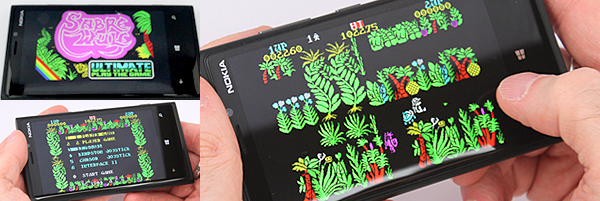
But the sound was problematic to say the least. The XNA dynamic sound APIs were very CPU intensive. I was calling these APIs every 20ms, so depending on what else the phone was doing, results would differ. Buffering up the sound was hopeless.

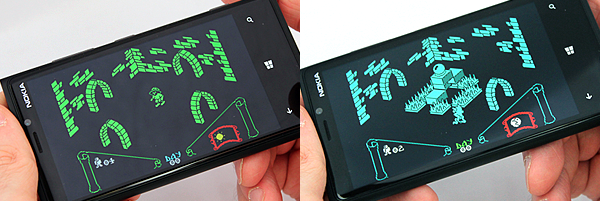
For example, when a character went to pick up an item, the sound would happen noticeably too late. If I didn’t buffer up the sound then the title tracks, for games like Knight Lore, would stutter when the CPU got choked. I’m a perfectionist, so this would not do. I would have to address it later.
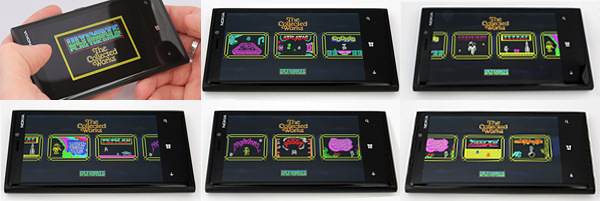
The last bit was to add a simple menu to allow the player to select the 12 games. In finishing that the game as a technology preview was complete.
But I didn’t want to continue until I had the permission!