
It was important to apply a ‘skin’ to each of the games…
firstly to make the games more appealing to those who’d never played the games and secondly to separate the games from the other Spectrum emulators that are available. As I’d used the ‘game harness’ skinning the games was fairly simple.
The most important thing was to add the famous Ultimate set of beeps to the app loading screen 😎
Once the game loaded you were presented with a gorgeous bit of artwork, the original tape artwork re-mastered and over laid with a typical Ultimate style menu system. The tape blurb was copied across and some text about Ultimate was added.
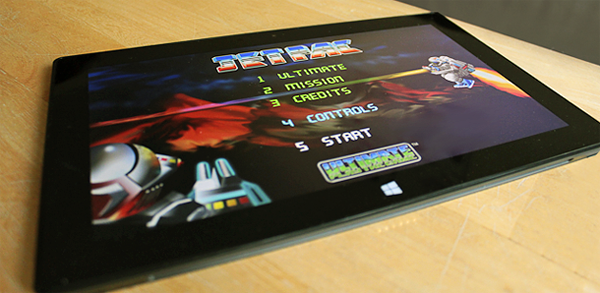
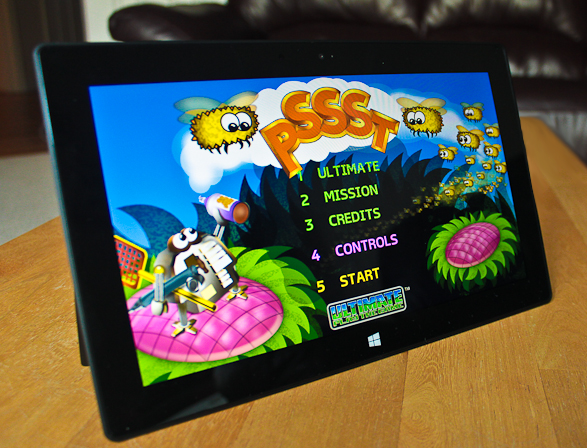
When the game started the original loading screen was shown for a second or two, followed by the usual Ultimate menu. Some of the game options were preselected (Kempston Joystick, Directional control option etc.) and these could be selected via keyboard, mouse or touch.
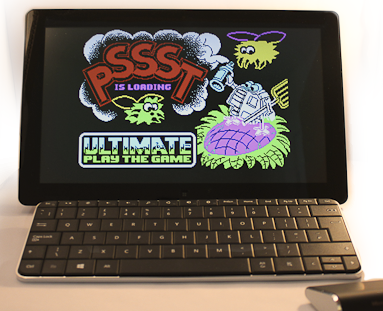
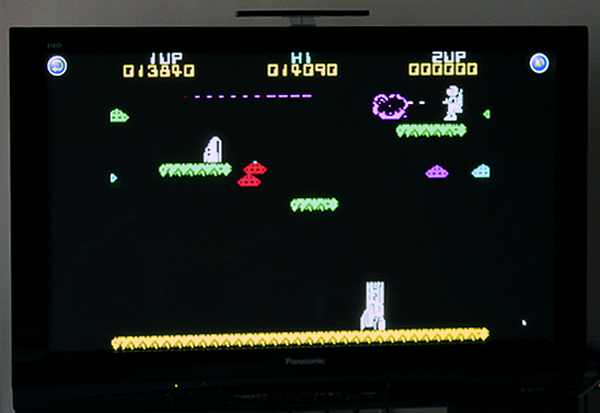
I didn’t want anything to clutter the original game graphics, so the accelerometer was the main choice for controlling the games, this just left ‘sound on/off’ button and the ‘pause’ button tucked away in the corners. Tapping anywhere on the screen was fire, this allowed the user to choose their own fire position and also allowed the hands to be kept away from the action. Playing Jet Pac with the accelerometer felt unbelievably natural it was almost as though the game was designed with it in mind.
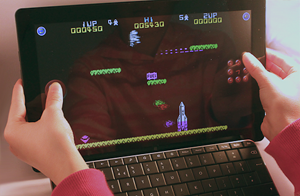
Most machines today have “wide” screens but these Ultimate games used a “4:3” screen, this was perfect as it meant I had ample room on the sides to add a set of touch buttons if the accelerometer or keyboard wasn’t desired for controlling the game.
‘Ye olde Keyboard’ was still an option, prefect for playing on the 50 inch TV with a remote keyboard, bringing back memories of playing the games properly.
Each game had all the Windows 8 features: multiple sized icons, snapped option, paused on losing focus, dynamic transparency of touch controls if the controls crossed over the game area and live tile showing highest score and level.
The idea of skinning was to hide as much as possible the fact that there was an emulator underneath and that was pretty much achieved.